
Open Mac Apps from a Launcher Shortcut or the Menu Bar
You are in the middle of writing and need a small utility, but its icon is somewhere else. FableLauncher gives you two convenient entry points: summon the main window with a shortcut, or search from a compact menu-bar panel. Find the app and click it without putting every application in the Dock.
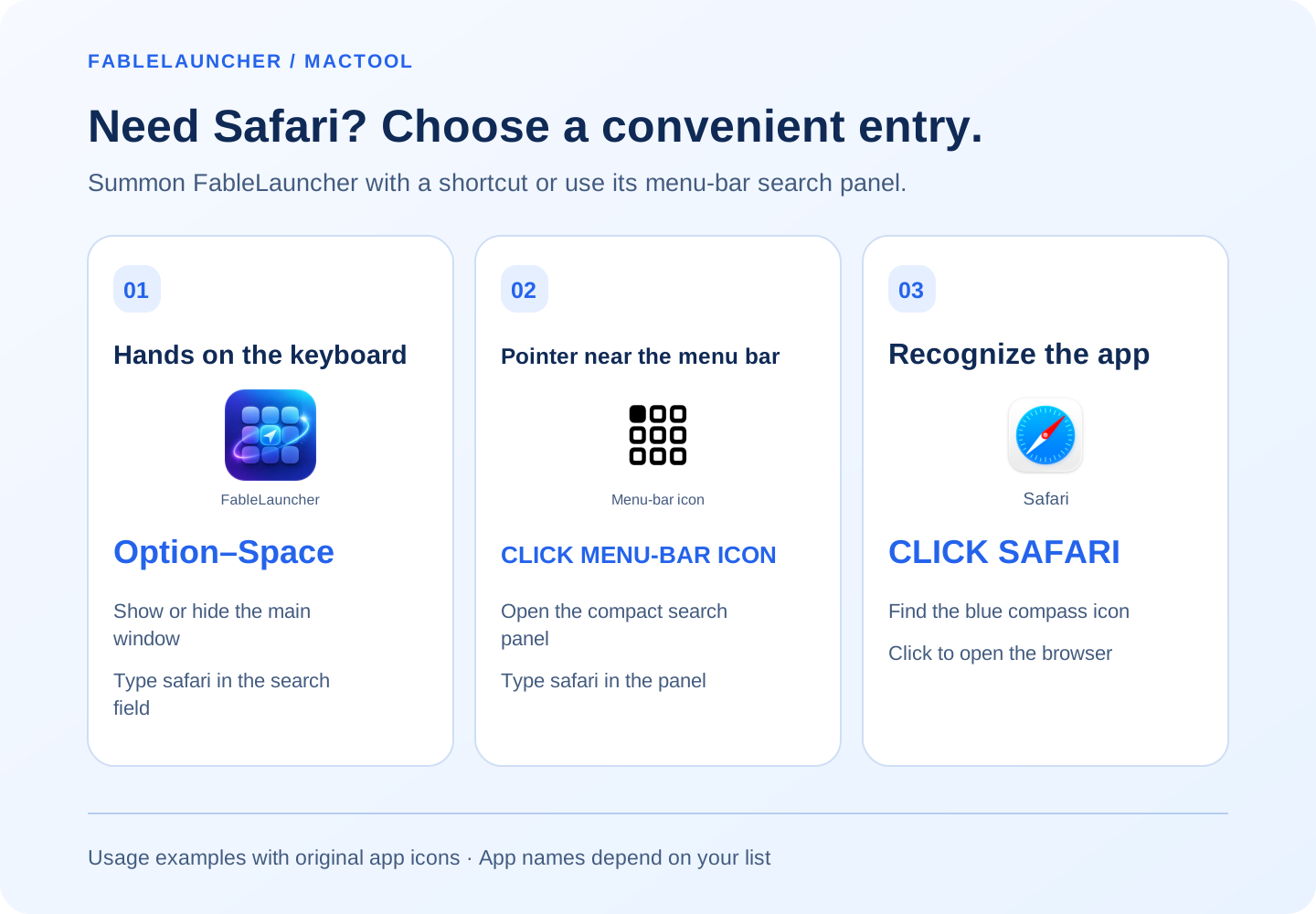
Press Option–Space for the main window
While FableLauncher is running, Option–Space shows or hides its main window by default. Enter a name, Chinese pinyin initials, or a saved alias in the search field, then click the matching app.
Change the launcher shortcut in settings if you prefer another combination. Choose something comfortable that does not overlap with your other tools.
For example, press Option–Space, type safari, recognize the blue compass icon, and click it. If your pointer is already near the menu bar, use FableLauncher’s menu-bar icon and run the same search in the compact panel.
Use the menu-bar panel for one quick launch
Left-click FableLauncher's menu-bar icon to open the compact search panel. Type a name or alias and click the app. The panel hides after launching.
The panel offers a 2D icon grid and a 3D fold-space display. Use its main-window button when you want to organize groups or browse the larger view.
Choose the entry point that fits what you are doing
Use the shortcut when your hands are on the keyboard. Use the menu-bar icon when your pointer is already nearby. Both access your application list, so you do not need to manage two collections.
Command–K focuses the search field inside the launcher. Type a query and click a result for a straightforward daily workflow.
Give an app group its own shortcut
For a regular set such as an editor, browser, and chat app, create a group and assign a group shortcut. That shortcut opens the group's apps; the launcher shortcut brings up the list so you can choose something.
See open multiple apps together, or give an app a memorable alias.
Choose application folders on first use. FableLauncher must remain running for its shortcuts to respond. Find downloads on the product page.
Frequently asked questions
What is the default launcher shortcut?
Option–Space shows or hides the main window. Change it in settings if needed.
What does the menu-bar icon open?
Left-click opens the compact search panel. Right-click shows commands for the main window, settings, and quitting.
Does the shortcut work after quitting FableLauncher?
FableLauncher must be running for its launcher and app-group shortcuts to work.