
Read Million-Line Logs on Mac: Quick Search and Smooth Scrollbar Navigation
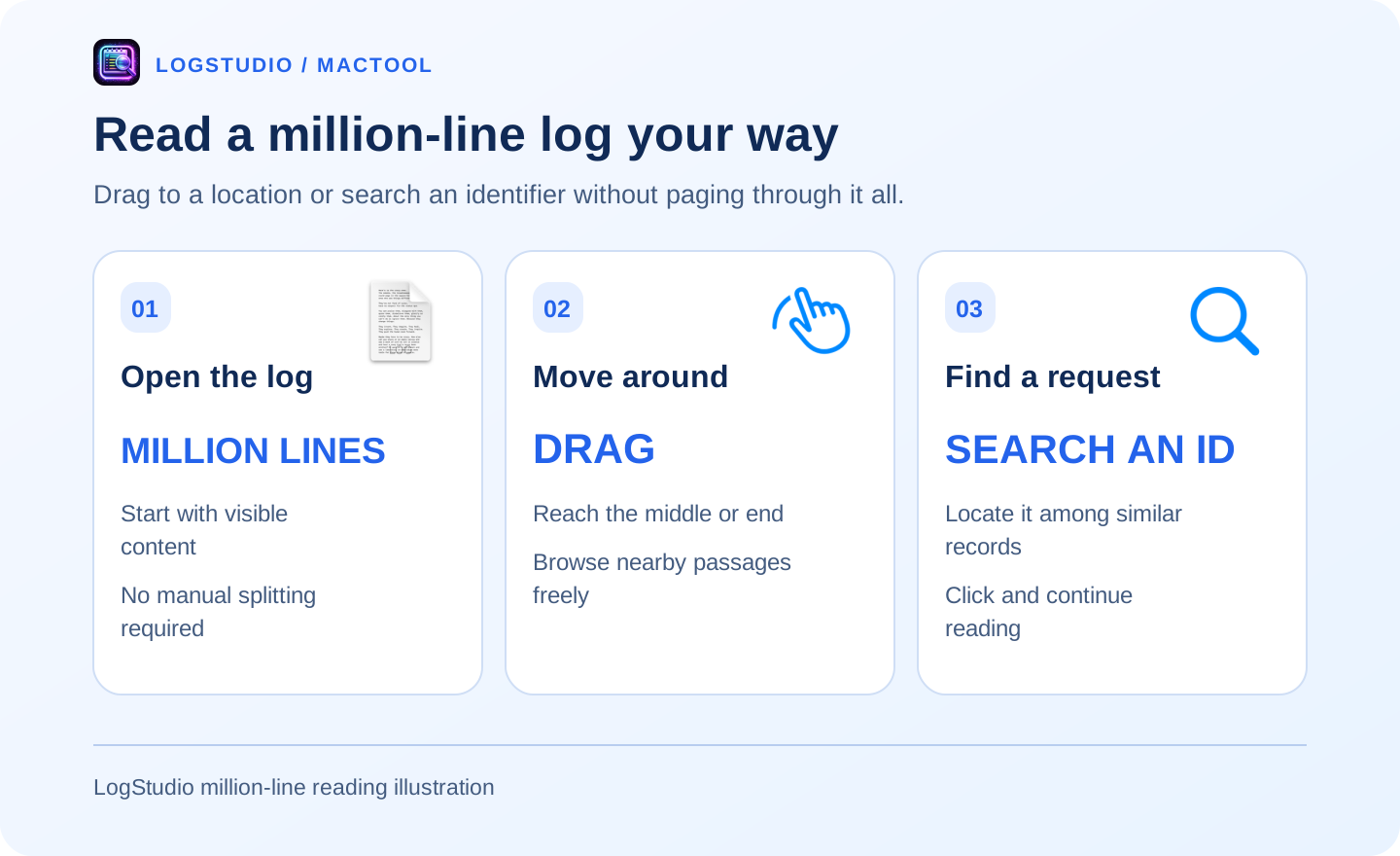
With a million-line log, you usually want a few straightforward things: open it promptly, find an identifier quickly, and read the place you drag to. You should not have to page from beginning to end or wait after every small movement.
LogStudio optimizes that reading experience on Mac. Content appears so you can start reading while loading continues. After opening, you can search, jump, and freely drag through a large file.
Open the log and begin reading
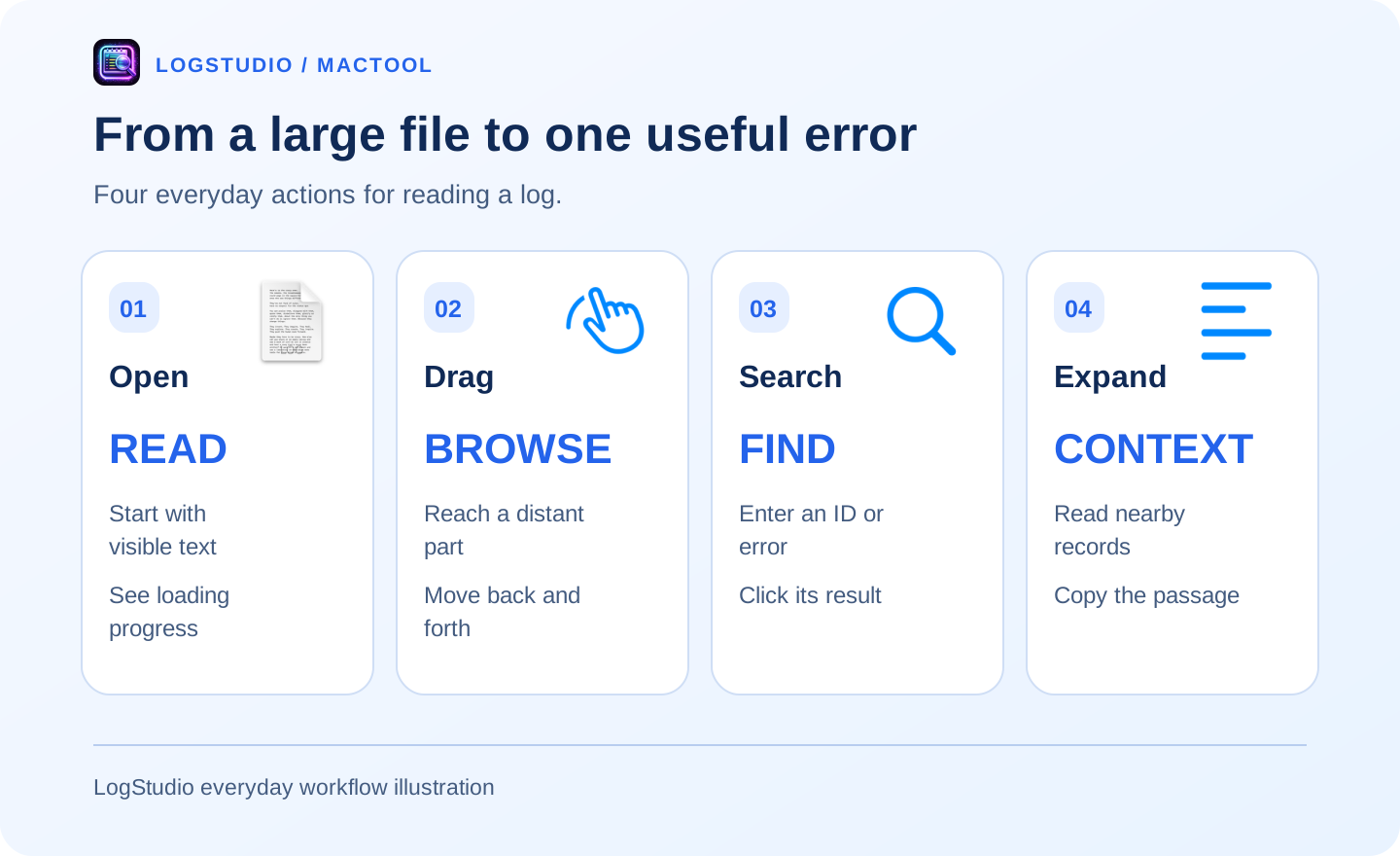
Select the file in LogStudio and start with the visible entries. The remaining content continues loading with progress shown in the interface. Read the opening records first, then explore distant locations once the file is ready.
If a split prompt appears, you can open without splitting. Smaller parts are an option when useful; reading a million-line source does not require manually dividing it first.
Drag to the middle and read what is there
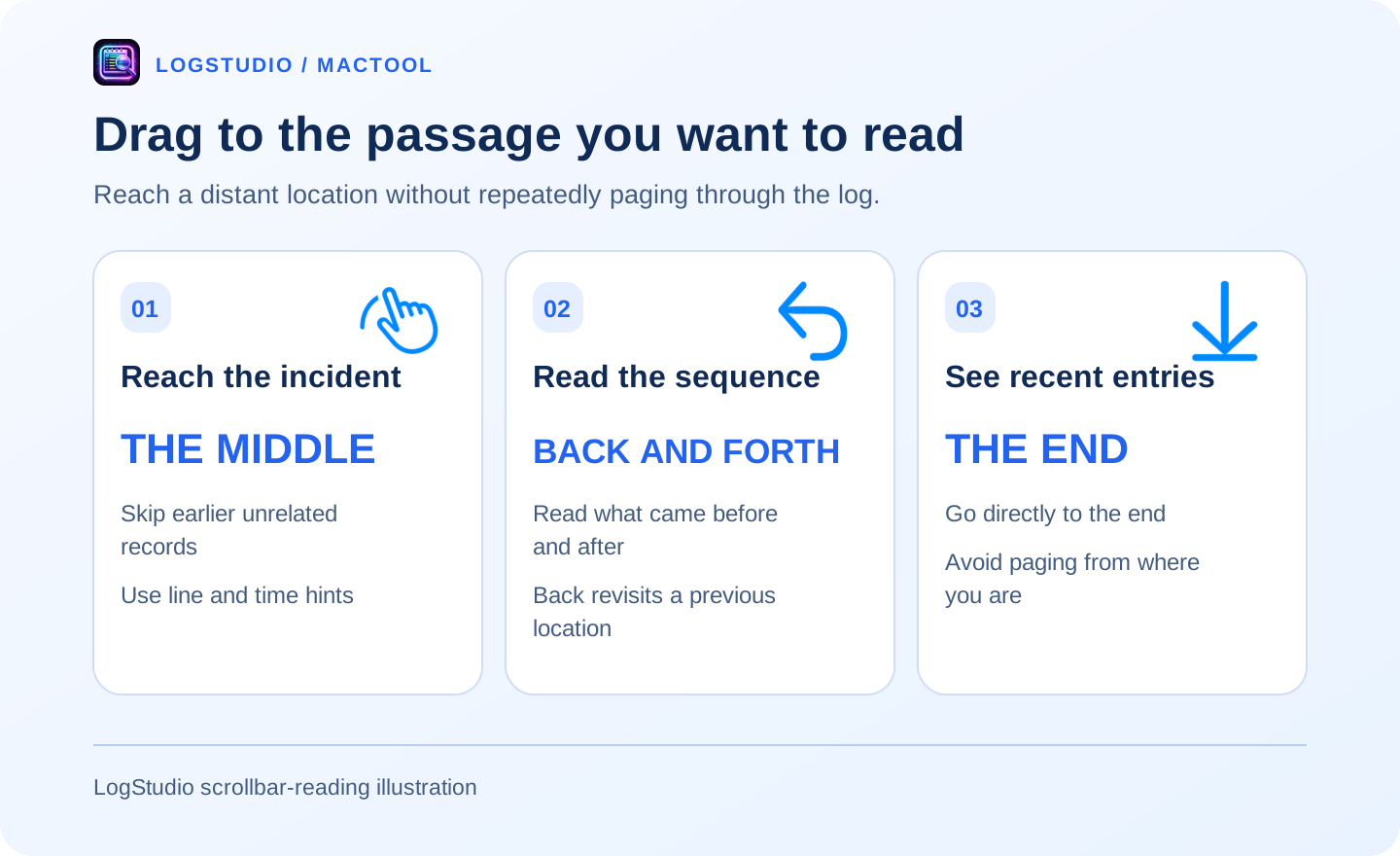
A long log quickly outgrows wheel-by-wheel paging. LogStudio improves fast dragging and scrolling so you can skip hundreds of thousands of lines and read the middle or the end directly.
Move back and forth around an incident, inspect earlier records, or return to recent content. Original line numbers and recognizable time hints help you see which passage you are reading. The aim is comfortable browsing across a large file.
Know an identifier? Search it
When a colleague reports a failed request, search its ID. If you know an error message instead, search that text. LogStudio helps locate the relevant records among many similar entries without guessing a position with the scrollbar.
Jump to a result, expand nearby lines, and narrow the view by level or time when helpful. Search when you have a clue; browse freely when you need more surrounding content.
For request-42, the useful answer may include retries, the connection target, and any recovery after the final ERROR.
Keep the useful passage
Copy the relevant context to share with a colleague instead of sending the whole million-line file. Back and forward revisit previous reading locations; original line numbers help someone find the same passage.
For a multiline exception, inspect event details. For JSON fields, open structured details. The goal is to find the records explaining a problem, not to read every line.
Follow quick search and error navigation, or the large-file opening guide.
Actual speed depends on file structure and storage. Read visible entries while loading continues, and finish loading before searching the whole file. LogStudio requires macOS 13 or later; see LogStudio or the Mac App Store.
Frequently asked questions
Can LogStudio read million-line logs?
Yes. It optimizes opening, search, and scrolling for large text logs, including million-line files.
Do I have to page through the entire file?
No. Drag the scrollbar to the middle or end, or search a keyword to reach a relevant location.
Can I read around an error after finding it?
Yes. Expand search context and use original line numbers, back, and forward to continue reading.