
View Live Remote Logs on Mac Without Losing the Error You Are Reading
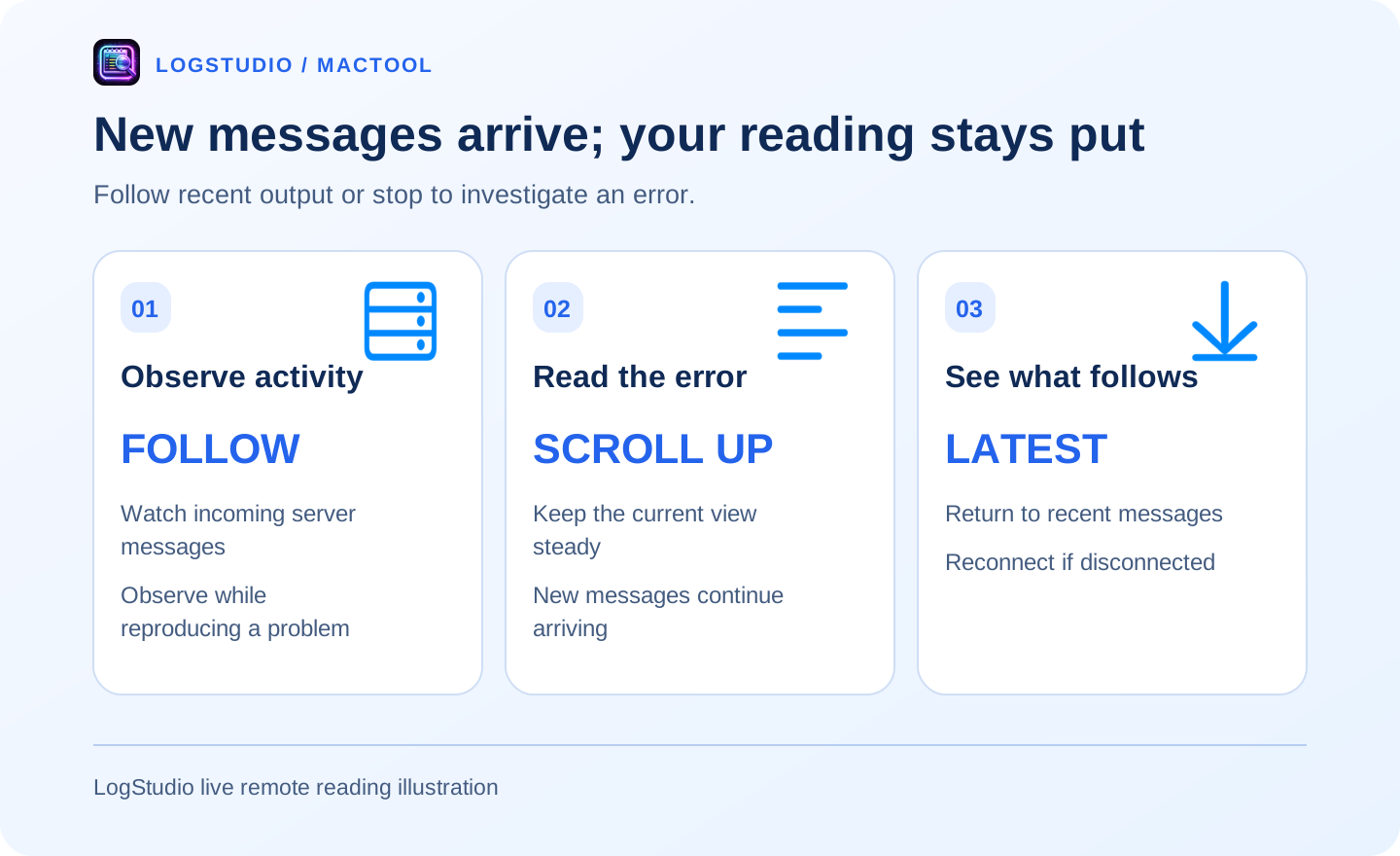
You spot an error, and new messages immediately scroll it away. LogStudio lets you receive new server output while staying with the passage you want to read. Follow recent messages when needed, or scroll upward to investigate an earlier error.
Connect to the server and choose a log
Add a remote connection in LogStudio, enter the server address and login information, then select the target file. View a growing log or download it for repeated local searches.
Live reading is useful while reproducing a problem. A downloaded copy is convenient after the incident. For a large download, follow the large-log workflow.
Scroll upward and keep the reading view steady
When you find an error, scroll upward or pause reading. Current content stays in place while the server keeps producing messages. LogStudio continues receiving and shows how many new lines have arrived.
Finish reading the error and its earlier connection, retry, or request details without new traffic taking away your position.
Search while you investigate
Search an identifier or error text in the received content. Browse nearby entries for more context, or open details for a longer record.
Download the source log when reviewing a whole incident period. A live view is for observing current activity; complete history belongs in the source file.
Return to the latest messages
Use the latest-log button to follow again. If filters are active, the interface offers to clear them and return to recent content.
Connection status is visible. After a network interruption, reconnect manually to continue observing the service.
Move from live observation to investigation
Connect, reproduce the problem, stop at the error, search the request, and copy the relevant excerpt. The useful part is moving easily from watching new messages to understanding one failure.
See the search and navigation guide and LogStudio's product page.
Frequently asked questions
Can I view server logs directly on Mac?
Yes. LogStudio accesses remote logs over SSH/SFTP and can download a copy for local reading.
How do I stop the view from moving?
Scroll upward or pause reading to keep the current content steady while reception continues and new lines are counted.
What if the connection drops?
Check its status and reconnect manually. Download the original server file when you need complete history.