
App Cleaner & Uninstaller vs SuperCleanerPro: choose by the task
You want to uninstall Mac apps and organize files left on disk. You have found App Cleaner & Uninstaller and are considering SuperCleanerPro as another option.
Start with one question: is the target app still installed, or was it removed earlier? Then consider whether you also need to review installers, file copies or other large personal files.
Identify the product first
App Cleaner & Uninstaller here is Nektony's app. It is separate from FreeMacSoft's AppCleaner, covered in another comparison.
SuperCleanerPro has its own MACTOOL app page. Similar names do not make the tools interchangeable.
The app you want to remove is still installed
Both apps describe uninstalling applications with related files. Nektony's getting-started guide covers selecting an app, reviewing files and confirming removal, with Expert Mode for selecting specific files.
In SuperCleanerPro, open App Uninstaller, choose your app and inspect application and data sizes separately. Review the data folders and deselect settings, documents or resources you want to retain. In the uninstall options, decide whether to include the selected data before confirming.
If you might reinstall the app, retain anything you need. If both the app and specific data are unwanted, select those folders. See the uninstall workflow.
The app was removed earlier
This is a different job. Nektony's Remains instructions describe reviewing files left by previously removed apps and selecting them for removal.
If finding those older files is your main need, compare that feature directly. SuperCleanerPro's current-app uninstall workflow described here is not a scan for all historical leftovers.
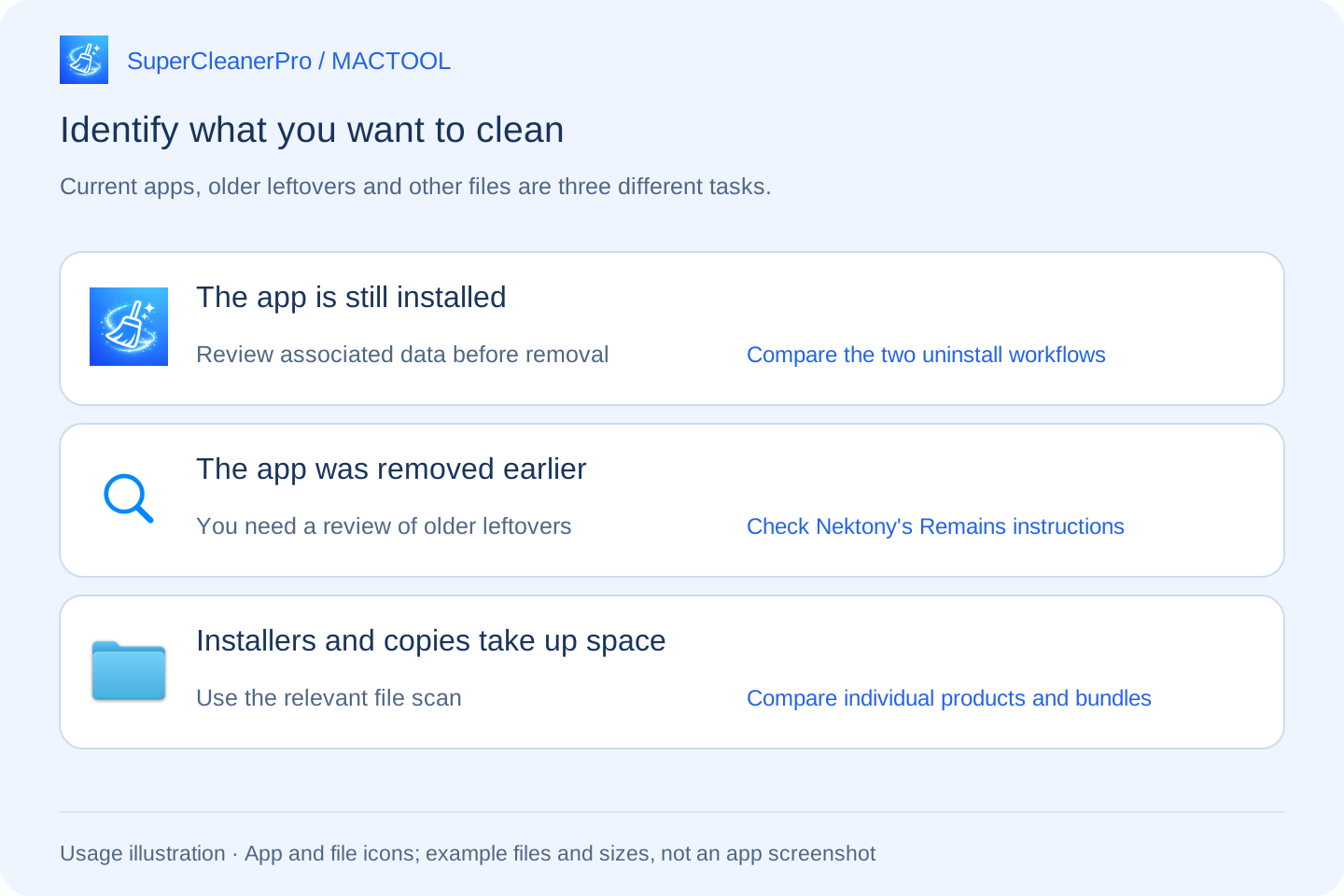
You also want to organize storage files
Old DMGs in Downloads or identical copies on your Desktop may not belong to an app's associated data. Uninstalling an application does not necessarily handle them.
SuperCleanerPro offers a separate installer scan and duplicate scan. Inspect locations and sizes, choose installers you no longer need, and keep a needed copy in each duplicate group.
Developers and local AI users can also review Xcode files and large supported models. Check whether archives or models are still needed before selecting them.
Nektony's website lists Duplicate File Finder, Disk Space Analyzer and App Cleaner & Uninstaller as separate products. Compare the specific application, or check what a bundle includes, rather than attributing every vendor tool to one uninstaller.
Match the feature to your immediate need
| Your task | What to compare |
|---|---|
| Remove an app still on the Mac | App and data review and selection in both tools |
| Find files from previously removed apps | Nektony's documented Remains feature |
| Update apps or manage startup items | Nektony's corresponding tools, separate from ordinary uninstall steps |
| Review installers and identical file copies | SuperCleanerPro's separate scans; check Nektony's specific product or bundle |
| Review Xcode or downloaded models | The actual folders and supported files you use |
Nektony's update and startup functions are documented in its official guide. If these are why you use it, SuperCleanerPro's file cleanup workflows are not a complete replacement.
Start with one object you recognize
If you know which app to remove, inspect that app and its data. If Downloads is the issue, begin with installers. You do not have to tackle every cleanup task together.
SuperCleanerPro attempts to move selected items to Trash and reports the outcome, including failures. Restore anything needed before emptying Trash. Storage recovery depends on your selected files, not a fixed capacity claim.
Explore SuperCleanerPro or the Mac App Store. MACTOOL writes this guide for its own app. Nektony information was checked against official sources on October 4, 2026; this is not a speed ranking.
Frequently asked questions
Is App Cleaner & Uninstaller the same as AppCleaner?
No. The former is a Nektony product; the latter is from FreeMacSoft. Check the developer and official source before comparing features.
What if the app was removed some time ago?
Nektony's official guide describes a Remains view for files left behind by previously removed apps. SuperCleanerPro's workflow here starts with an app that is still listed; these are distinct tasks.
Is Nektony's duplicate finder part of this uninstaller?
Its website lists Duplicate File Finder, Disk Space Analyzer and App Cleaner & Uninstaller as separate products. Distinguish an individual app from a tool bundle.