
Read JSON Logs on Mac: Search the Request and Open Field Details
A JSON log line can squeeze time, level, request ID, and many parameters into one long passage. Search the request in LogStudio, then inspect the selected JSON record in details. You do not need to find the same field by reading the whole file.
Find the request first
Open the log and search an ID such as req-42. Then inspect the record you found. This simplified sample contains one independent record per line:
{"level":"INFO","message":"connecting","request_id":"req-42"}
{"level":"ERROR","message":"timed out","request_id":"req-42","duration_ms":2000}
This line-based form is commonly called NDJSON. Search it like an ordinary log to find nearby messages for the same request.
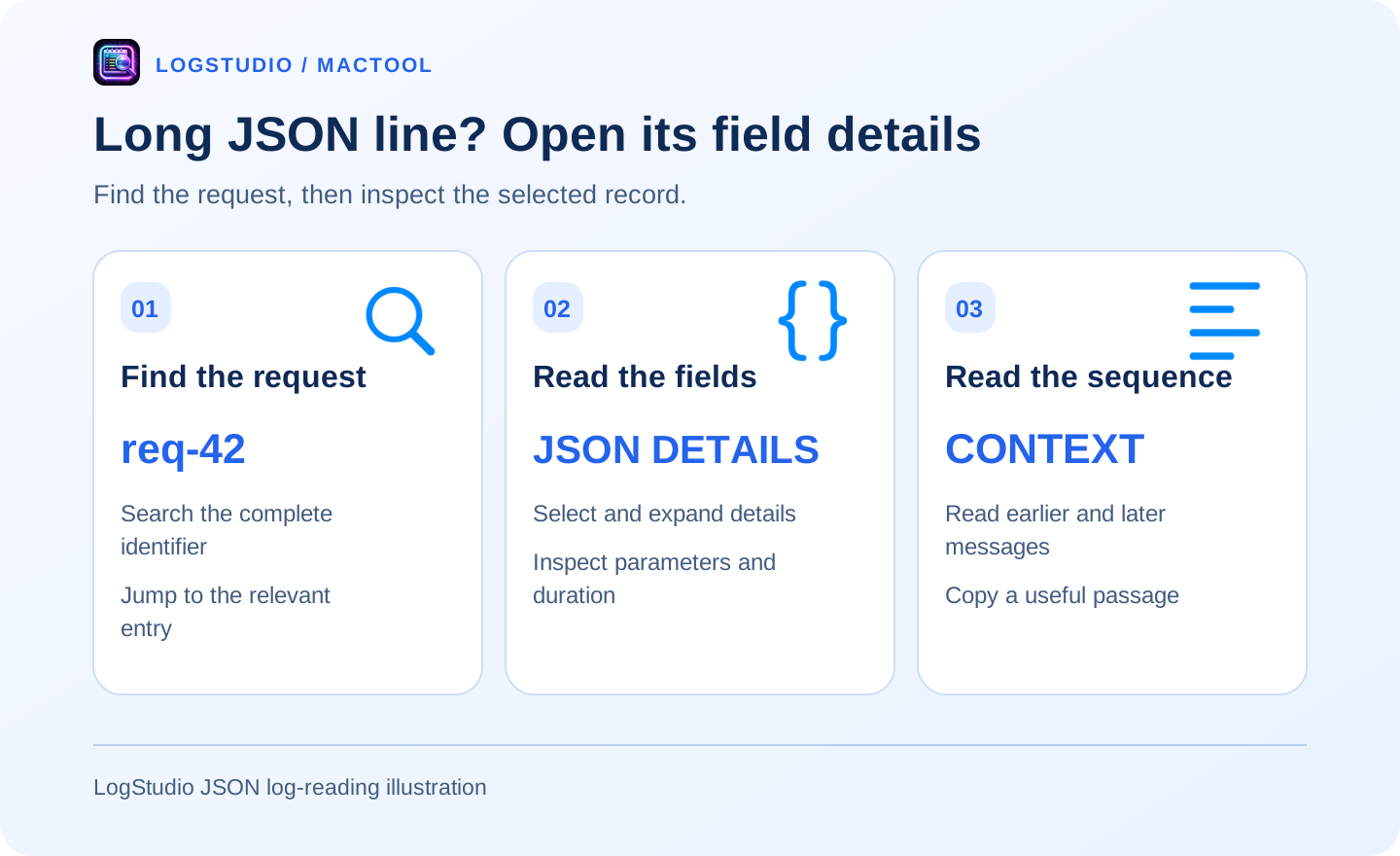
Select the record and open JSON details
Click the target entry, expand details, and inspect the JSON tab. Find the request ID, duration, or other fields, then return to nearby messages for the sequence. This is more convenient than repeatedly hunting across a very long line.
For ordinary text followed by a valid JSON object or array, check whether JSON details are available too. Use the detail area's copy button to keep the selected content.
Read the sequence around the fields
The second sample reports a timeout with a duration; the preceding entry describes the connection. Together they explain the recorded sequence.
Expand context in search results and use back and forward to revisit entries. In a large file, combine search with scrollbar browsing rather than reading from the beginning.
Useful inputs
Service logs, request records, and line-based JSON output suit this workflow. A formatted multiline JSON document differs from independent log entries. If fields are not recognized, start by searching the raw text.
Continue with quick error navigation, or see LogStudio for downloads.
Frequently asked questions
How do I read a long JSON log line?
Select a recognizable JSON record and open the JSON tab in its detail area to inspect fields more comfortably.
What is NDJSON?
It stores independent JSON records on separate lines. Application logs commonly use one object per line.
Can I inspect JSON embedded in a text message?
When a valid embedded object or array is recognized, a JSON tab can also be available in details.