
AppCleaner vs SuperCleanerPro: uninstalling apps or cleaning up more files?
You want to remove an unused Mac app and have found AppCleaner and SuperCleanerPro. Your job may be just uninstalling, or it may also include organizing Downloads and removing duplicate files.
Consider AppCleaner for a focused uninstall task. Consider SuperCleanerPro if you also want to review installers, duplicates and other storage files in the same app. Choose around your actual job rather than the word “cleaner” in a name.
First, identify the two apps
AppCleaner in this guide is FreeMacSoft's application, not Nektony's App Cleaner & Uninstaller or SuperCleanerPro. Its official website identifies the developer and download source.
SuperCleanerPro has a separate MACTOOL app page. Check the source before downloading similarly named tools.
AppCleaner: drop in the app you want to remove
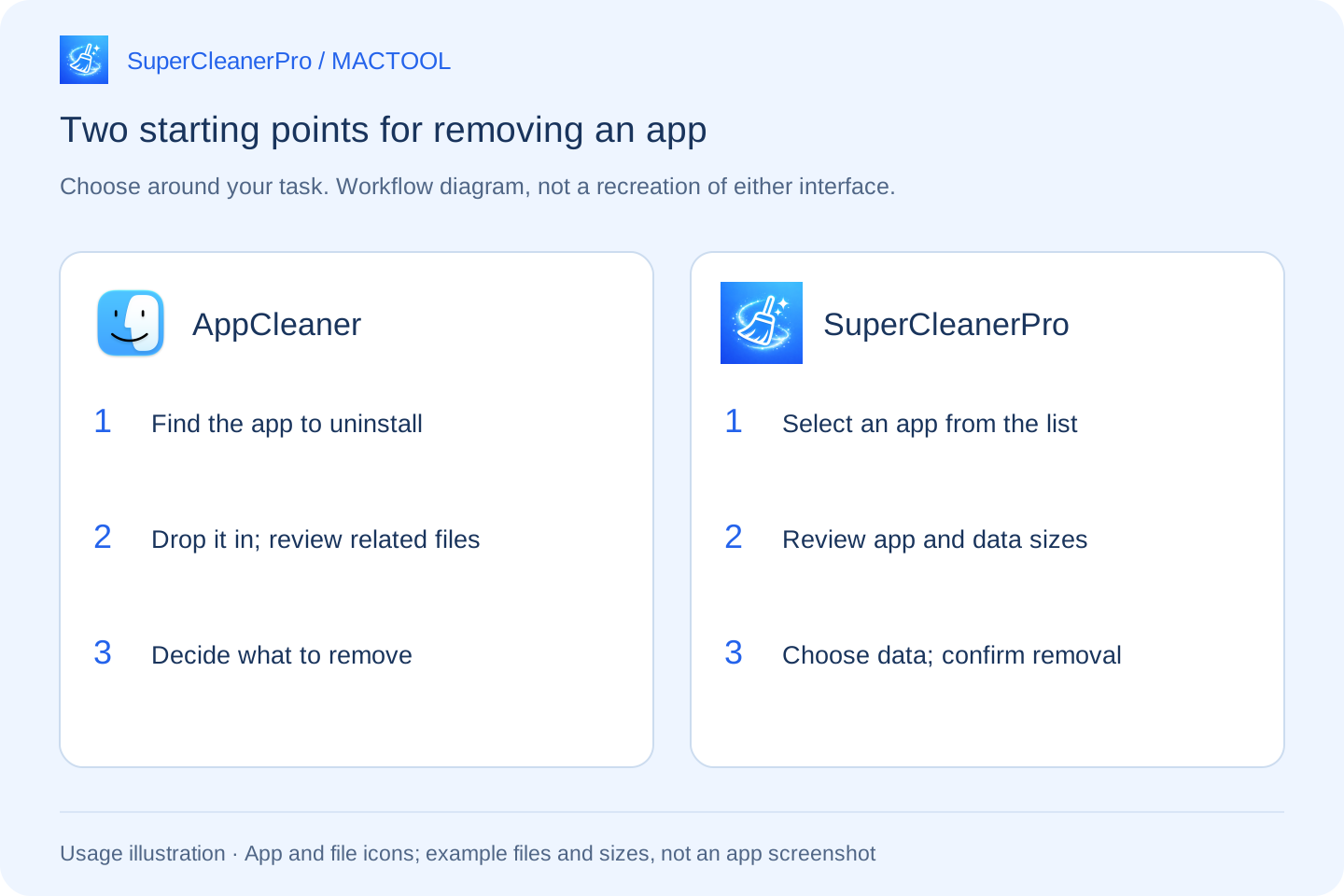
FreeMacSoft's official introduction describes dropping an application into AppCleaner's window, finding its related files and then deleting them.
If you already have an old app in Applications and simply want to remove it, this is a direct starting point. You do not need to plan a wider storage cleanup first.
SuperCleanerPro: start by reviewing an app's storage
If you have installed many apps but have not decided which to remove, open App Uninstaller in SuperCleanerPro and select an application from the list. Search by name when needed.
Its details separate the application from associated data. A small app may store sizeable offline resources elsewhere. Inspect the actual folders, then choose which ones should go with the app.
| Your immediate task | A useful starting point |
|---|---|
| You have the app and want to uninstall it | AppCleaner's drop-in workflow |
| You want to inspect app and data sizes first | SuperCleanerPro's app list and data details |
| You want to keep the app but review old installers | SuperCleanerPro's installer scanner |
| Identical copies exist in different folders | SuperCleanerPro's duplicate file scanner |
This is a task comparison, not a performance ranking.
Decide about the app and your data separately
Suppose you are removing an editor for now but may reinstall it later. Related data is not automatically disposable: it can contain settings, databases or downloaded resources.
In SuperCleanerPro, inspect the data folders and deselect anything you need. In the uninstall options, review “Move selected app data to Trash.” You can include your selected folders or turn that option off to remove only the app.
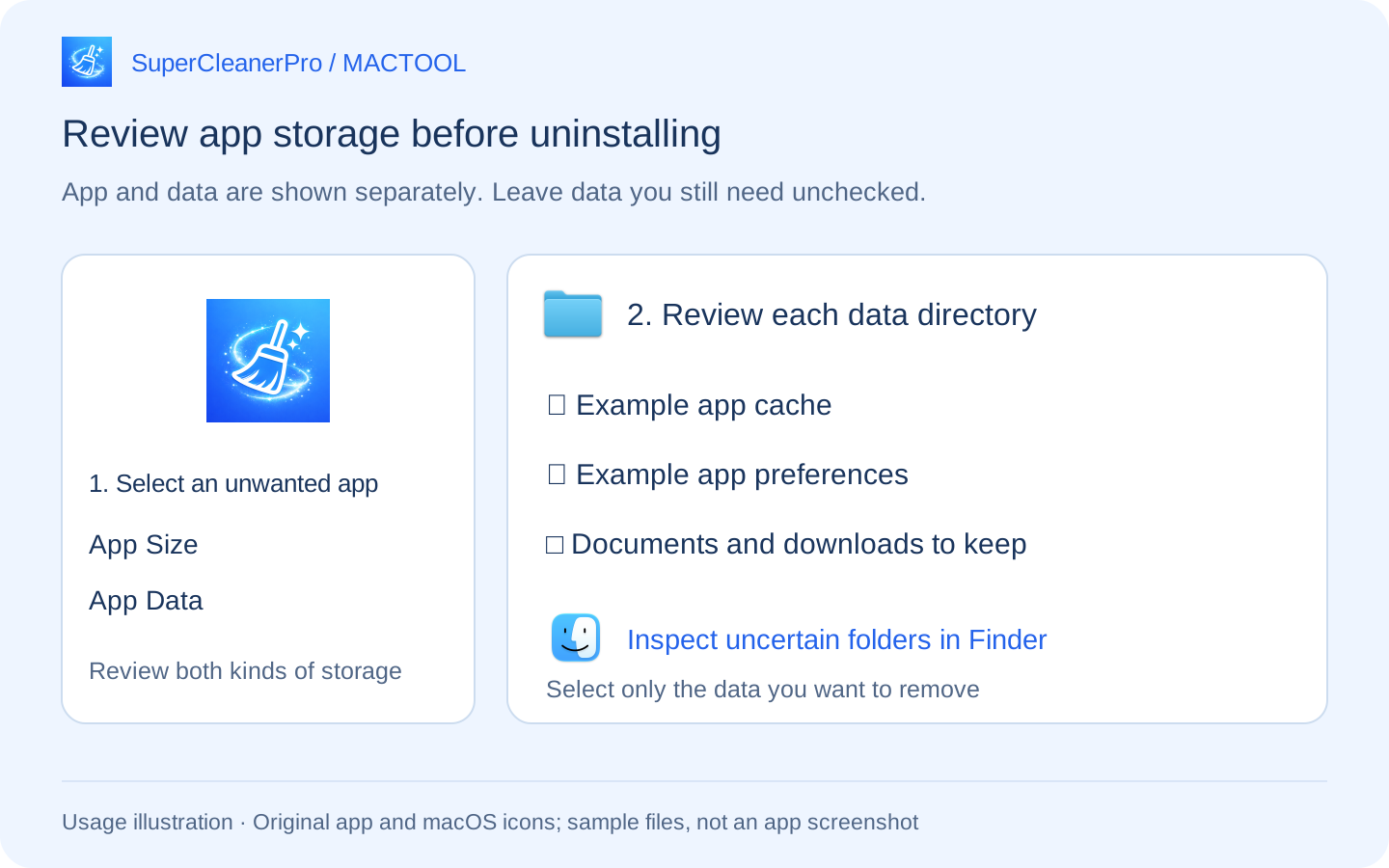
Quit the target app before confirming. Afterwards, check which items succeeded and which failed. The app uninstall guide covers the steps in detail.
Still short of space? Check installers and copies next
A downloaded DMG or PKG is separate from the installed app. Removing the app does not mean its old installer disappears from Downloads. Use the installer scanner to review names, sizes and locations, then choose versions you no longer need.
For files with identical contents but different names, use the duplicate scanner. Inspect each group's locations and keep the copy you need.
You can also start with a storage target for personal files, without uninstalling an app you still use. Uninstalling and organizing other files are distinct jobs.
Keep the task as small as you need
If AppCleaner meets your uninstall needs, you can keep using it. If you want to move from reviewing app data to reviewing installers and duplicates within one tool, consider SuperCleanerPro's workflow.
Check the target app and files before removal. Items in Trash still occupy space; check that nothing needs restoring before emptying it.
Explore SuperCleanerPro or the Mac App Store. MACTOOL writes this guide for its own app. AppCleaner details were checked against official information on October 4, 2026.
Frequently asked questions
Are AppCleaner and SuperCleanerPro the same app?
No. AppCleaner here is FreeMacSoft's uninstaller. SuperCleanerPro is a separate app featured by MACTOOL.
Which should I consider for removing one app?
AppCleaner starts with dropping an app into its window. SuperCleanerPro starts with an application list and separate app and data sizes, with folders you can select for removal.
Does uninstalling an app also remove its downloaded DMG?
Do not assume so. An installer and the installed application are separate objects. SuperCleanerPro has an installer scanner to review downloaded installation files separately.