
A CleanMyMac alternative: when SuperCleanerPro fits your cleanup needs
Your Mac is running out of space. You have found CleanMyMac, but are wondering whether another tool suits the job: removing an unused app, clearing old installers, or reviewing Xcode data and downloaded models.
SuperCleanerPro is worth considering for those specific file cleanup tasks. Start with the files you want to organize, then choose the matching feature.
Compare the tasks you actually need
This comparison refers to MacPaw's website offering. Check its edition differences for the channel you use.
| Your task | CleanMyMac's documented tools | SuperCleanerPro's approach |
|---|---|---|
| Remove an app and related files | App uninstaller | Review app and data sizes separately; choose data folders |
| Review downloads and old installers | Large files and download cleanup | A storage target for personal files, or a dedicated installer scan |
| Find identical file copies | Duplicate finder | Review duplicate groups and locations before choosing copies |
| Review development or model files | Xcode cleanup and AI Clutter | Separate Xcode and supported large-model file views |
CleanMyMac references: product page and My Tools. These are task comparisons, not measured speed or storage-recovery results.
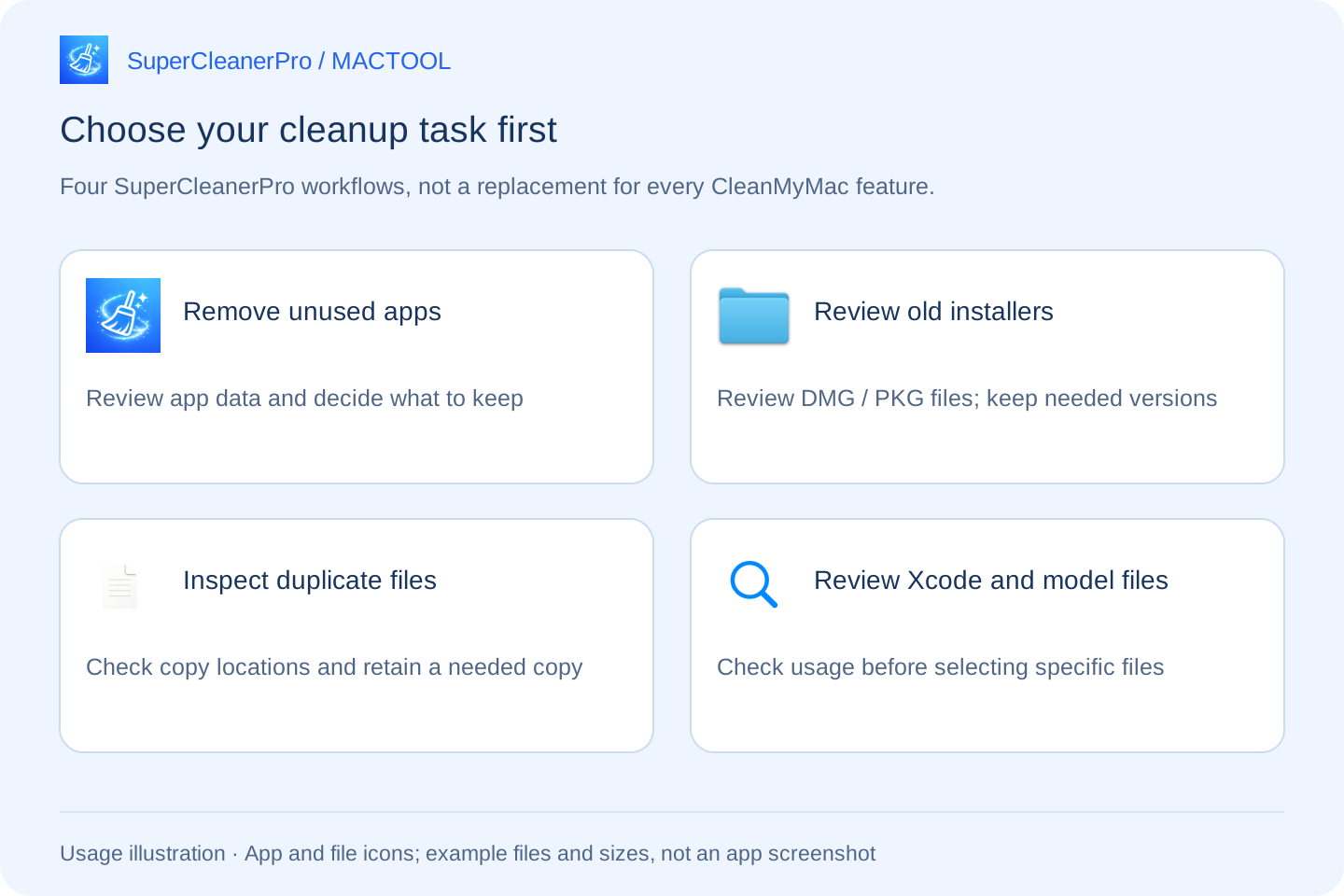
Need space? Start with files you recognize
If Downloads contains installers for apps you already use, open SuperCleanerPro's installer scanner, review the largest results, inspect them in Finder and select files you no longer need. Removing an installer does not uninstall the app. Keep offline installers or specific versions you still need. See the DMG and PKG guide.
For a less obvious starting point, use a storage cleanup target. Review the proposed files before removal. A target helps you choose; it does not guarantee that every Mac has that amount available to clean.
Uninstalling an app? Check its data separately
A small app may have large downloaded resources in its data folders. SuperCleanerPro separates application size from associated data, so you can inspect folders and choose which ones to remove.
If you might reinstall the app, keep the settings or documents you need. You can remove the application without selecting all its data. Follow the app uninstall guide for the full process.
Review Xcode files and local models directly
Developers can review Xcode build data, device support folders and archives. Archives may be release records rather than disposable caches. The Xcode guide explains what to inspect first.
After trying several local AI models, open AI Model Cleanup to review supported large files by size and location. Keep models you use; the app does not decide which ones are obsolete. The model guide explains scan locations and file conditions.
CleanMyMac also documents AI Clutter. Compare how well a tool helps you find and inspect your own files rather than treating AI cleanup as exclusive to one app.
Check broader needs separately
If malware detection, app updates, similar-photo review or cloud storage management are why you use CleanMyMac, check those needs separately. The SuperCleanerPro file cleanup workflows described here do not provide those functions.
There is no need to repeat a cleanup merely to switch tools. Clear results, accessible file locations and control over what to keep are more useful criteria.
Try one concrete task first
Pick an immediate job, such as reviewing old installers or removing one unused app. Inspect the files, make your selection and check the outcome, including any failed items. Files in Trash still occupy space; empty it after checking that nothing needs restoring.
Explore SuperCleanerPro or the Mac App Store. MACTOOL writes this guide for its own app. Competitor details were checked against official public information on October 4, 2026; this is not an independent performance review.
Frequently asked questions
Does SuperCleanerPro replace every CleanMyMac feature?
No. It helps review app data, installers, duplicates, Xcode files and supported large models. Check malware detection, app updates and other needs separately.
Does CleanMyMac include AI cleanup?
Yes. MacPaw's current My Tools documentation lists AI Clutter for AI caches, logs and local models. This is not an exclusive SuperCleanerPro feature.
Will switching cleaners necessarily free more space?
No. Results depend on your files, access permissions and what you choose to remove. Review individual files rather than comparing scan totals alone.