
Where to Find Mac Logs and Quickly Search the Error
When a Mac application fails, the first question is often where its logs are and how to open them. Find the relevant source, then search the error instead of browsing unrelated files.
Open Console for system problems
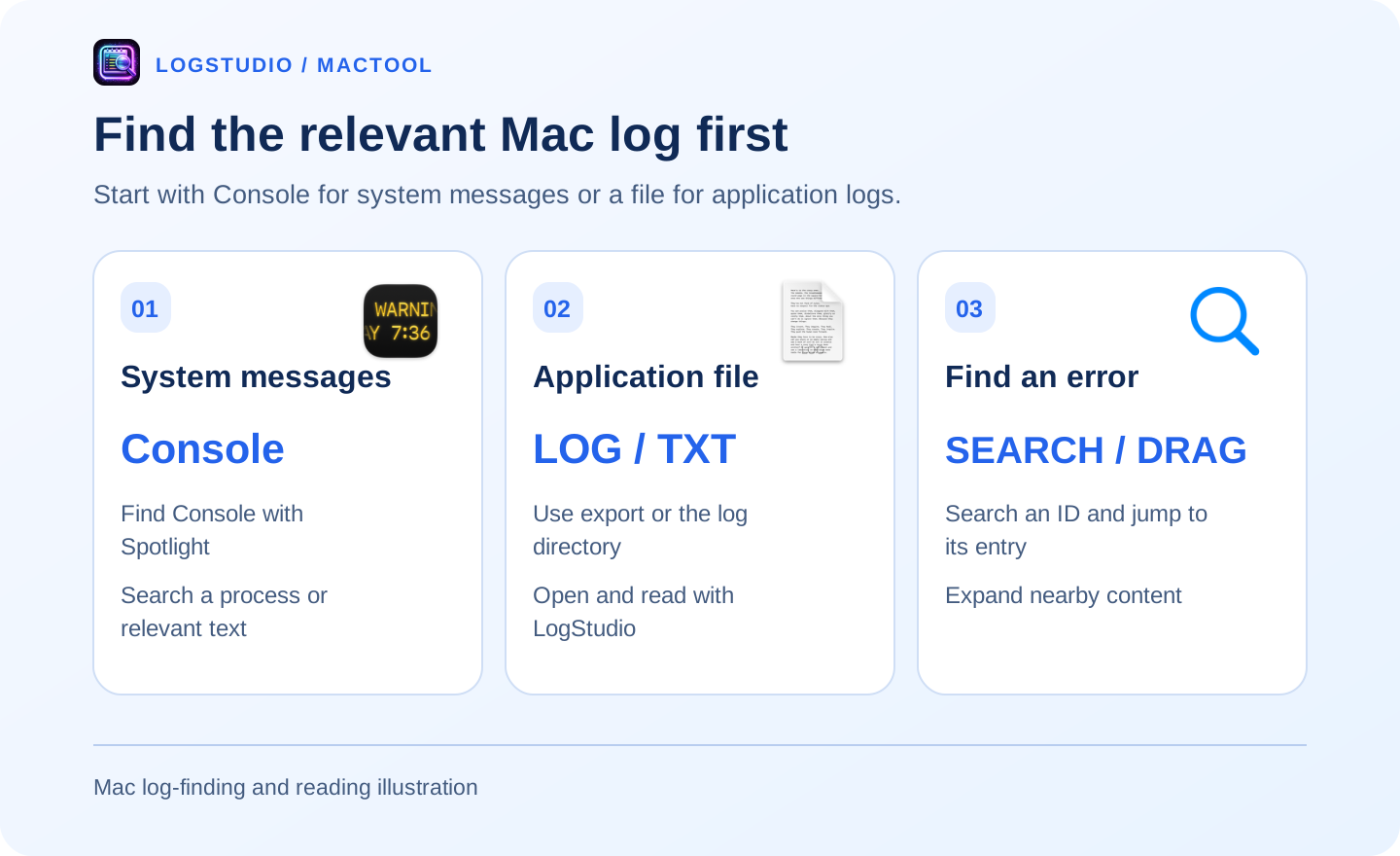
Find Console with Spotlight, select your Mac, and view system messages. Search the process or relevant text to reach the incident period. See Apple's Console guide.
Use Console for a .logarchive too. An application's separate text log is a file-reading task.
Find the application's export or log directory
Look for Export Logs or Open Log Directory in the application. Some applications write to ~/Library/Logs; others use their own data directories. Their help or settings can identify the location.
Once you have a .log or .txt, open it in LogStudio. For files of hundreds of megabytes or more, a viewer with optimized opening, search, and scrolling makes reading more convenient.
Reach the error in a large file
Open the file and start with visible content. Search an error or request ID to jump to the entry. If you know a rough location, drag to the middle or end.
Expand context to read what preceded the error. Back and forward revisit another passage without repeatedly finding the same position.
Continue with large-log opening steps or million-line browsing.
Keep the useful passage
Copy the error and relevant context instead of sending the whole file. Include filename, time, and original line number. Review tokens and personal data before sharing.
LogStudio is for application and server text logs on macOS 13 or later. See LogStudio's product page for features and downloads.
Frequently asked questions
Where do I see Mac system logs?
Find Console with Spotlight, select your Mac, and view or search system messages.
How do I open a large application LOG file?
Open the text log in LogStudio, search an identifier or error, and drag through nearby content.
Is a system log archive an ordinary LOG file?
No. Use Console for system archives; this LogStudio workflow concerns application text logs.