
How to choose a Mac cleaner: four tools compared by task
Your Mac reports insufficient space for a download. Searching for a cleaner brings up CleanMyMac, AppCleaner, App Cleaner & Uninstaller and SuperCleanerPro. Similar names make it hard to choose.
Make the job specific first: remove an old app, find files left by one removed earlier, or organize installers, copies and other large files? That gives you a useful starting point.
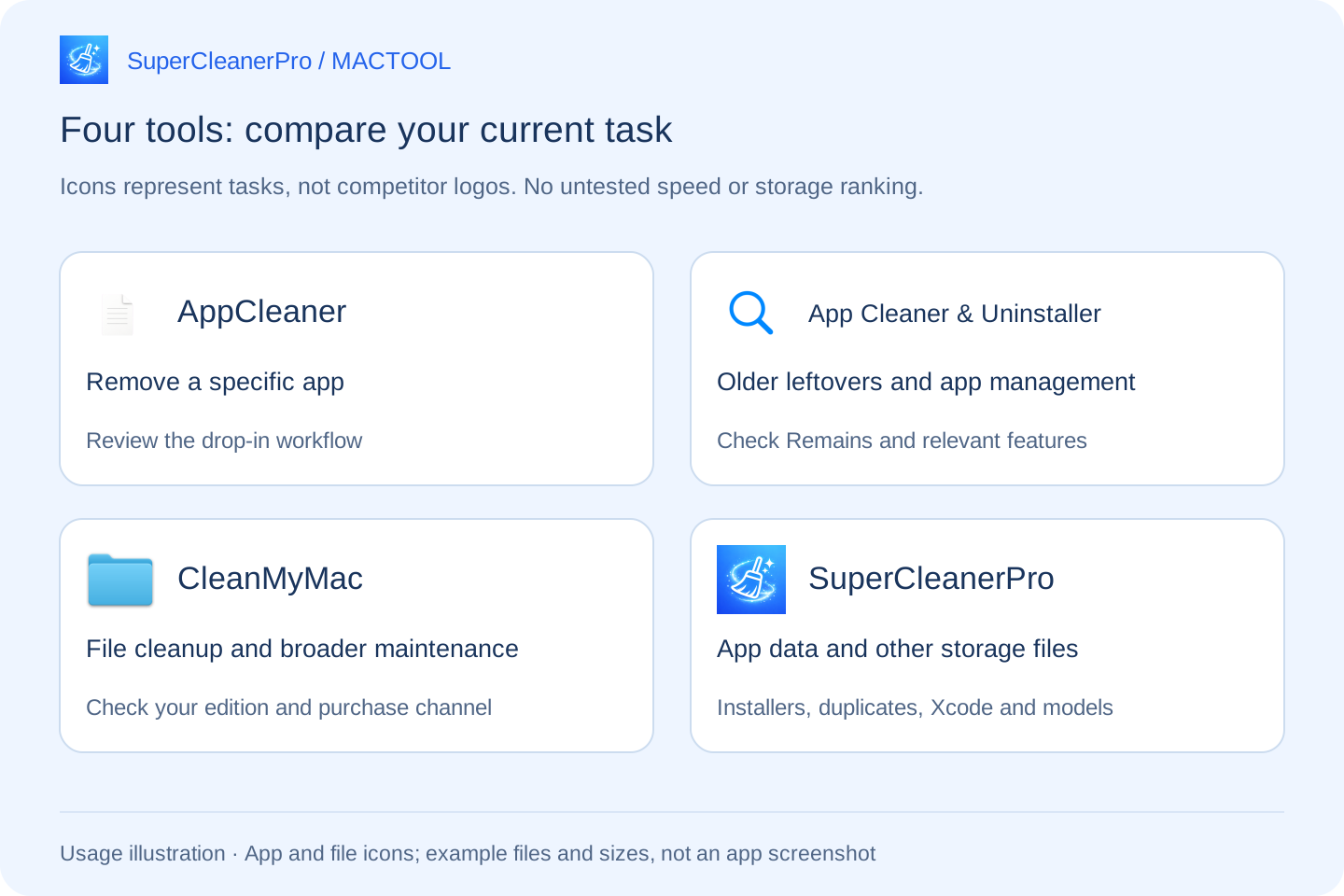
Match your current task to a tool
| Your immediate job | A tool to consider first | What to look at |
|---|---|---|
| Remove a particular app you already have | FreeMacSoft AppCleaner | Its drop-in workflow and related-file review |
| Find older app leftovers and manage applications | Nektony App Cleaner & Uninstaller | Its Remains, update and startup features |
| Add malware checking and broader maintenance to file cleanup | CleanMyMac | Features available through your purchase channel |
| Move from app data to installers, duplicates, Xcode or models | SuperCleanerPro | Whether its scans find your files and make review convenient |
These are starting points, not claims that each tool does only one thing. Compare actual features, operation and your own files.
For a focused uninstall, consider AppCleaner
If you have the application and want to review related files, check FreeMacSoft's AppCleaner introduction. Its documented workflow begins with dropping an app into the window.
You do not need a broader cleanup project if this meets your need. For reviewing app and data sizes separately before choosing folders, see AppCleaner vs SuperCleanerPro.
For an app removed earlier, compare leftover detection
Removing a currently listed app and finding files from an older removal are distinct jobs. Nektony's official product information describes leftover cleanup, application updates and startup management. Check App Cleaner & Uninstaller if these match your needs.
It is separate from FreeMacSoft AppCleaner. Nektony also lists duplicate and disk analysis tools as individual products; distinguish a single app from a bundle. See the Nektony comparison.
For broader maintenance, check the CleanMyMac edition
CleanMyMac's official product page describes file cleanup, app removal and malware checking. If these are all requirements, check its edition differences, rather than comparing uninstalling alone.
If your main need is organizing particular files, the CleanMyMac alternative guide compares the relevant SuperCleanerPro workflows. Similar feature names do not guarantee identical scope or operation.
For continued file organization, use the matching scan
Suppose you want to remove two old apps, review installers in Downloads and find copies of the same documents. SuperCleanerPro has separate App Uninstaller, installer and duplicate scans. Review each kind of file before deciding what to remove.
You can tackle tasks separately and keep applications you still use. Begin with files whose purpose you recognize:
- Old DMG and PKG installers: inspect versions and locations; keep needed offline installers.
- Duplicates with different names: inspect identical copies and keep one in the location you need.
- Xcode storage: distinguish build data from archives you may need as release records.
- Downloaded models: review supported large files and retain models you use.
Check whether it handles your actual files
Choose an object you recognize. Can you find it in the results, inspect size and location, and retain anything important? Check current prices, purchase options and macOS requirements on each download or purchase page.
A larger scan total alone does not prove a better result. Some files should remain; access permissions and failed actions can matter. SuperCleanerPro reports successes and failures. Inspect Trash before emptying it, then check actual available disk space.
If you do not yet know which folders are large, start with DiskTreeSize's directory view, then choose the appropriate cleanup.
Explore SuperCleanerPro or the Mac App Store. MACTOOL writes this guide for its own app. Competitor details were checked on October 4, 2026; this is not a measured speed, storage-recovery or overall quality ranking.
Frequently asked questions
Which Mac cleaner is best?
Identify the task first. Removing one app, finding older leftovers, organizing personal files and malware checking are distinct needs. This guide compares uses rather than providing an untested overall ranking.
How do AppCleaner and App Cleaner & Uninstaller differ?
They have different developers. FreeMacSoft describes a drop-in app removal workflow; Nektony also documents older leftovers, app updates and startup management.
Does the scan total guarantee space recovered?
No. You may need to keep some files, and permissions or failed actions can affect results. Check individual files. Items moved to Trash still occupy space until it is emptied.