
 PicCaddy.app
PicCaddy
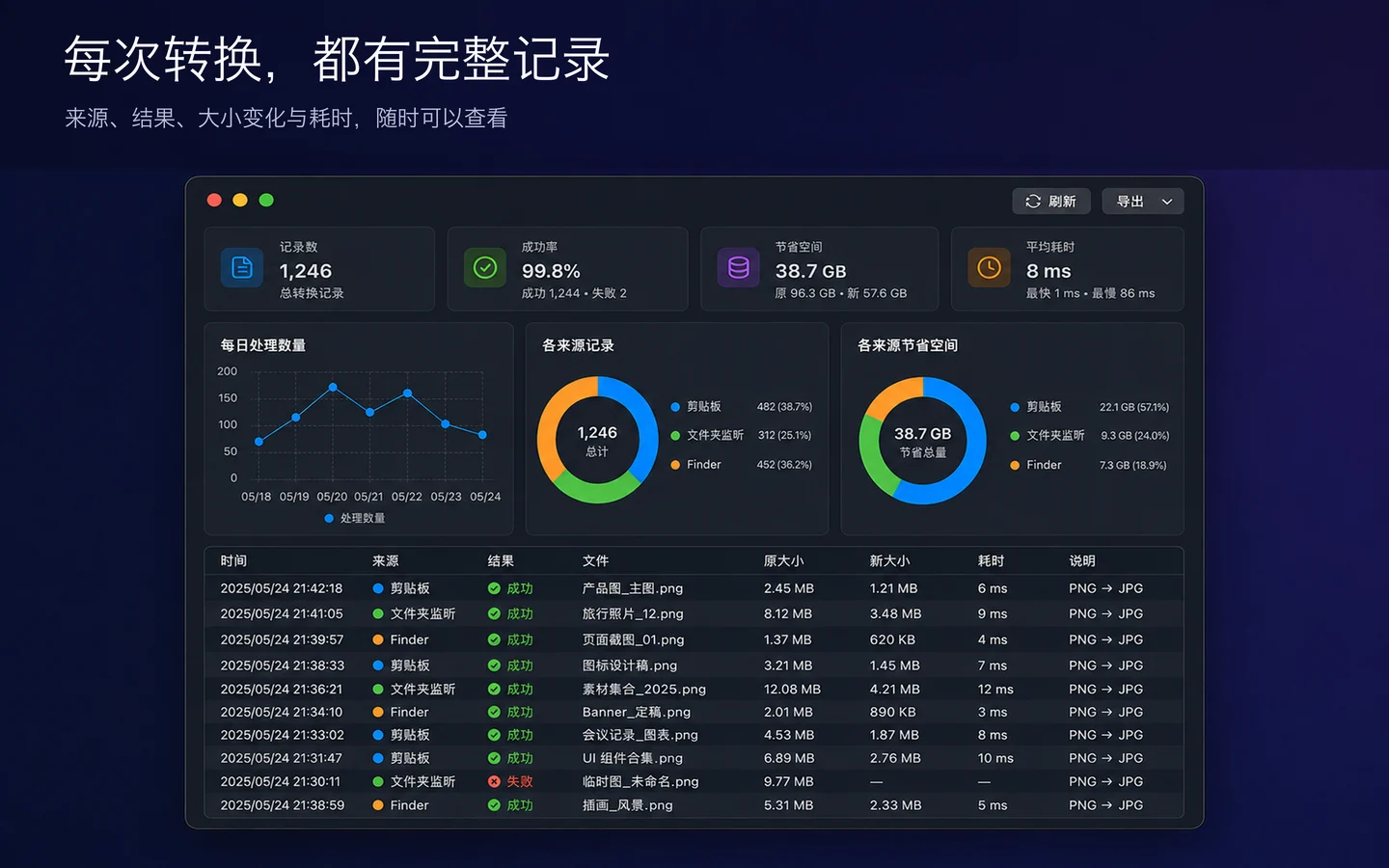
Finder 画像変換ツール&大容量 PNG の自動圧縮Finder 上で PNG を JPG に素早く変換し、クリップボードや監視フォルダの大きな PNG も自動変換。サイズや更新日での画像整理にも対応します。
基本情報
- プラットフォーム
- macOS
- カテゴリ
- ユーティリティ
- バージョン
- 1.0.3
- 更新日
- 2026-09-16
- ダウンロード
- Mac App Store ↗
- プライバシーポリシー
- プライバシーポリシー
PicCaddy Support
Need help with conversion, folder access, the context menu, or another issue? Email the developer for support or to suggest a feature.
Include your app version, macOS version, steps to reproduce, and any error message. Screenshots with personal information removed can help. Do not send passwords or private original images.
Why am I asked to select a folder?
The app uses the macOS sandbox. When a context-menu action first needs access to a folder, select that folder in the system dialog shown by the main app. Permission is saved locally. Cancelling leaves files untouched; select the folder again if it moves or permission expires.
What if the context menu is missing or conversion fails?
Open the main app and check that the PicCaddy extension is enabled in System Settings. For conversion, select PNG files and check folder write access and available disk space. If the issue persists, email the error message to the support address above.
スクリーンショット
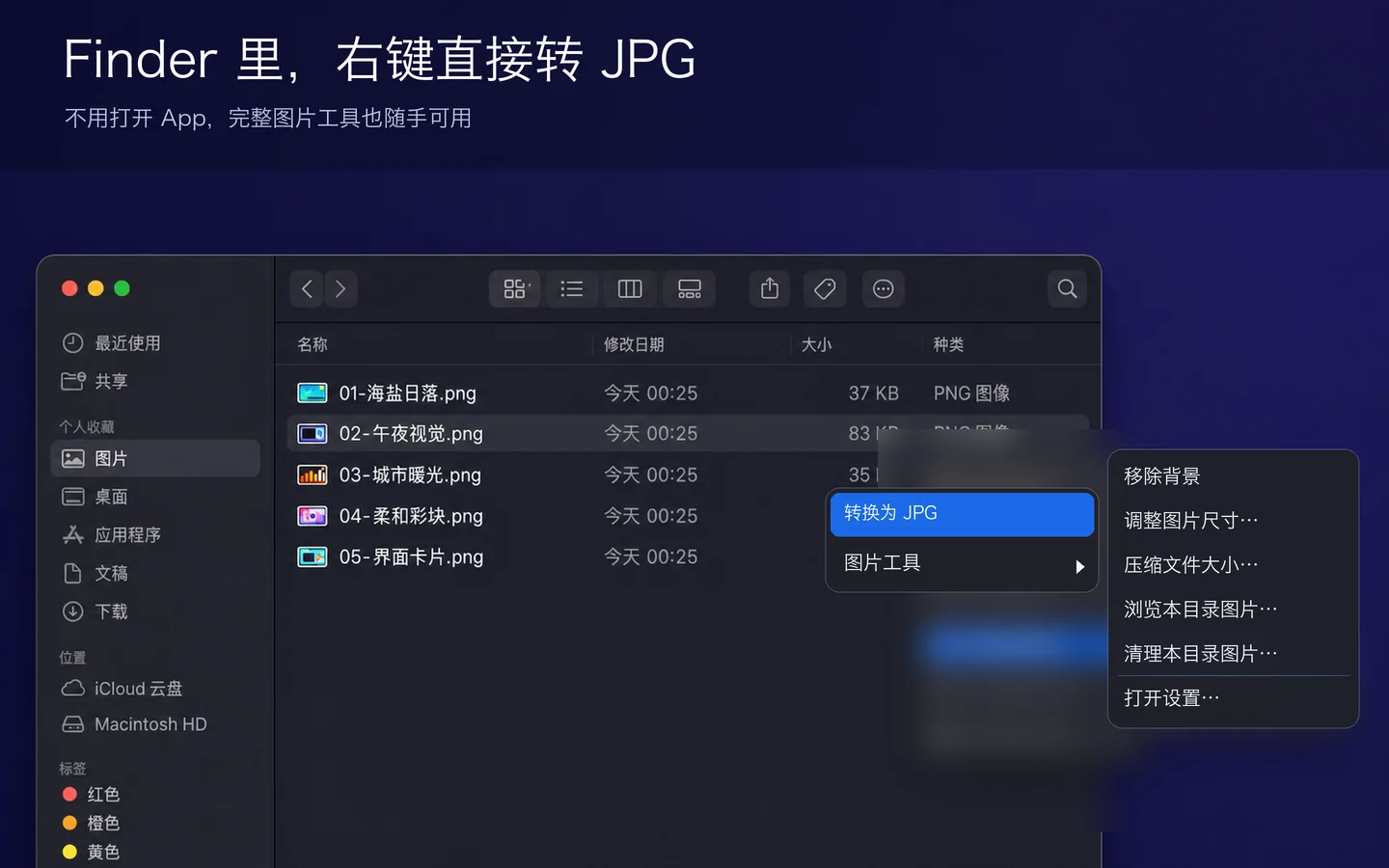
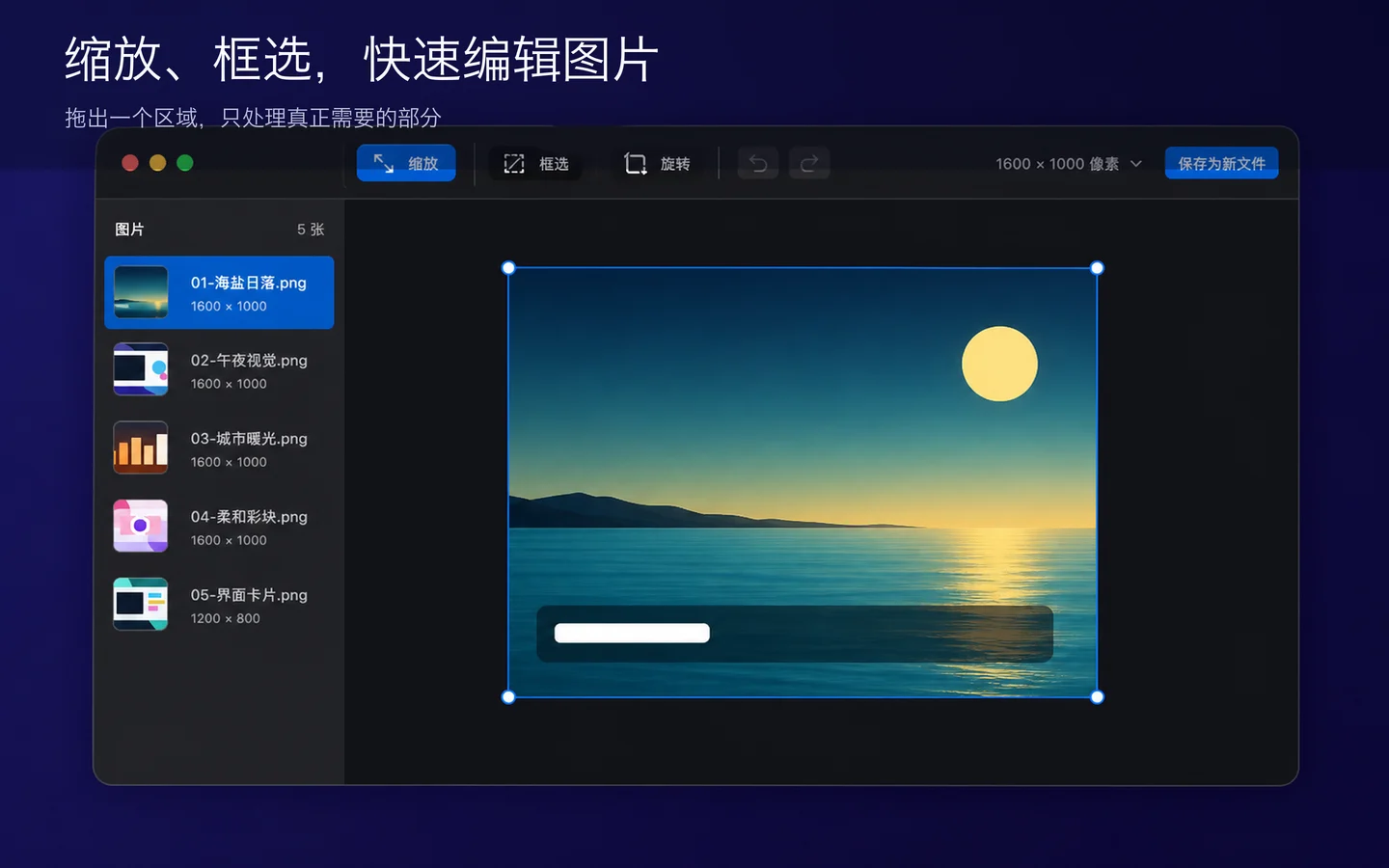
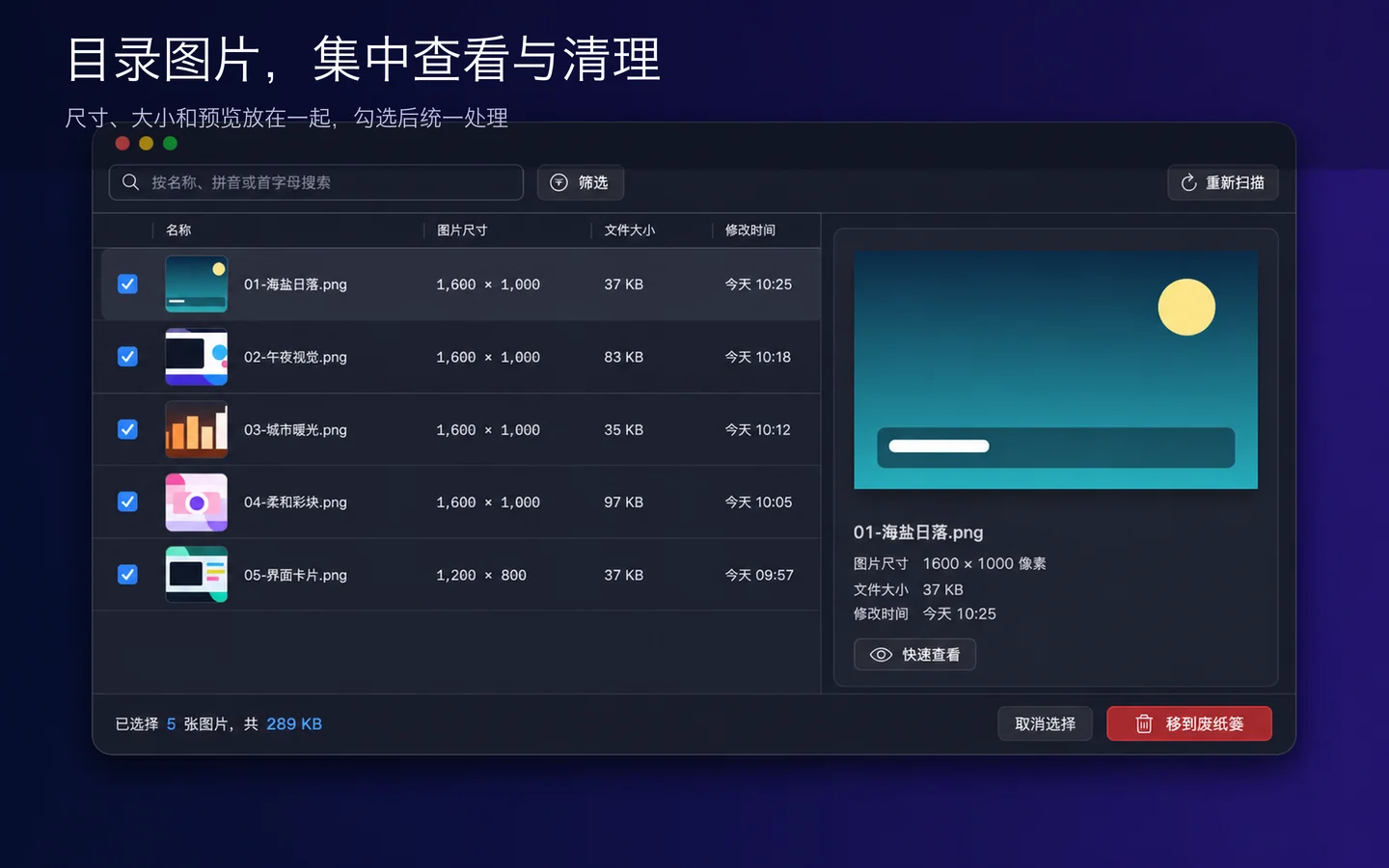
主な機能
記事 機能、比較、よくある質問
記事はまだありません。