
 PicCaddy.app
PicCaddy
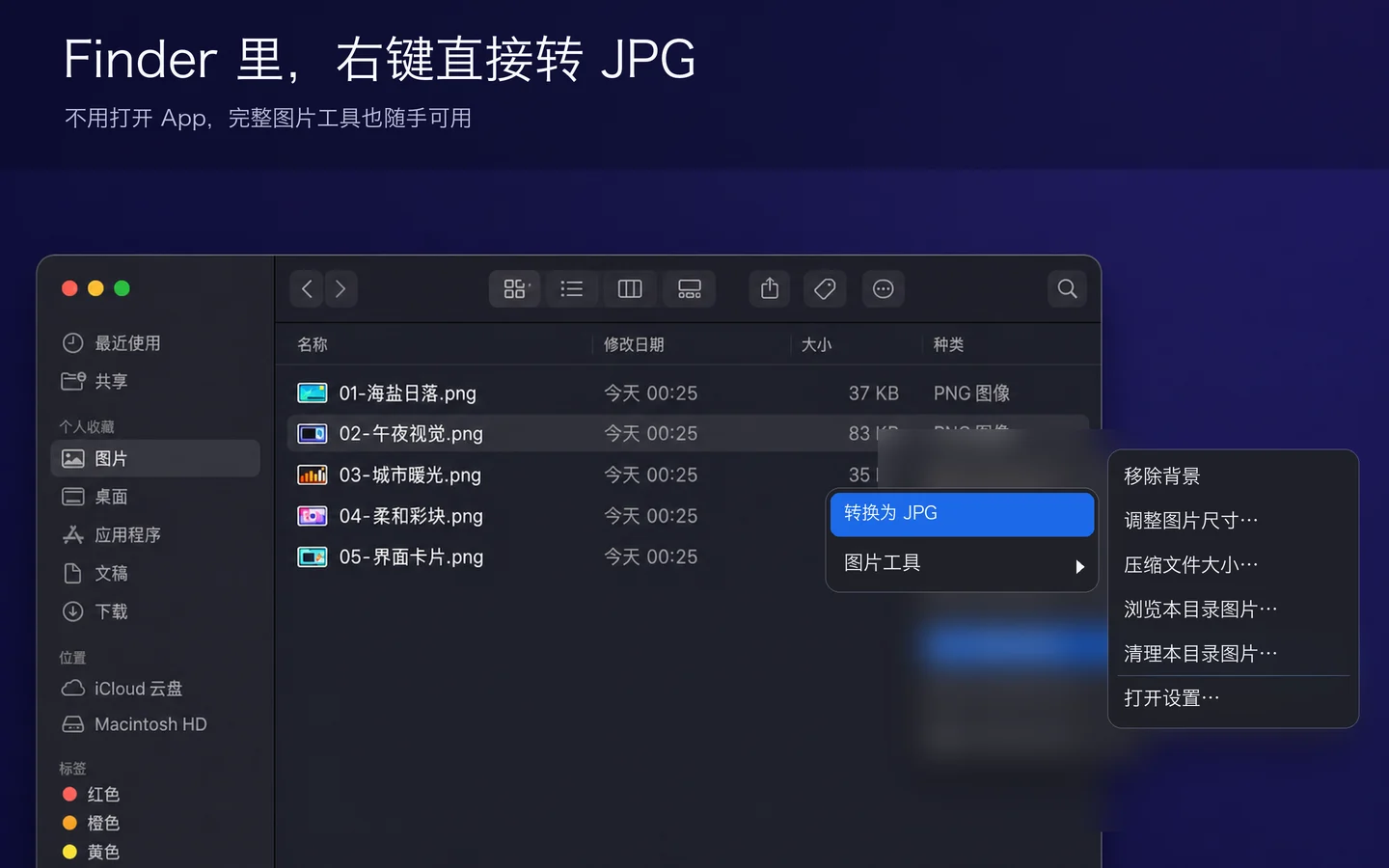
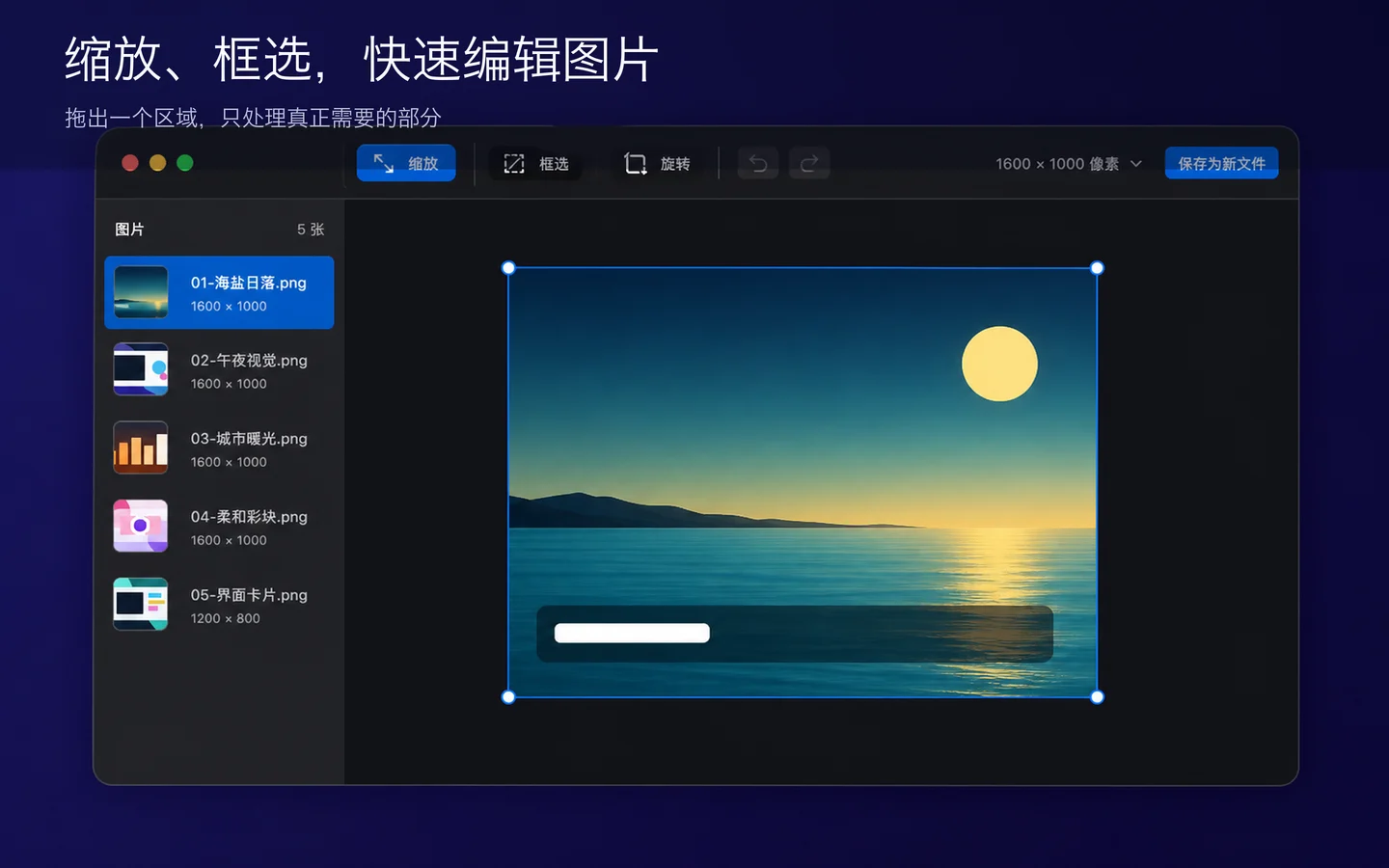
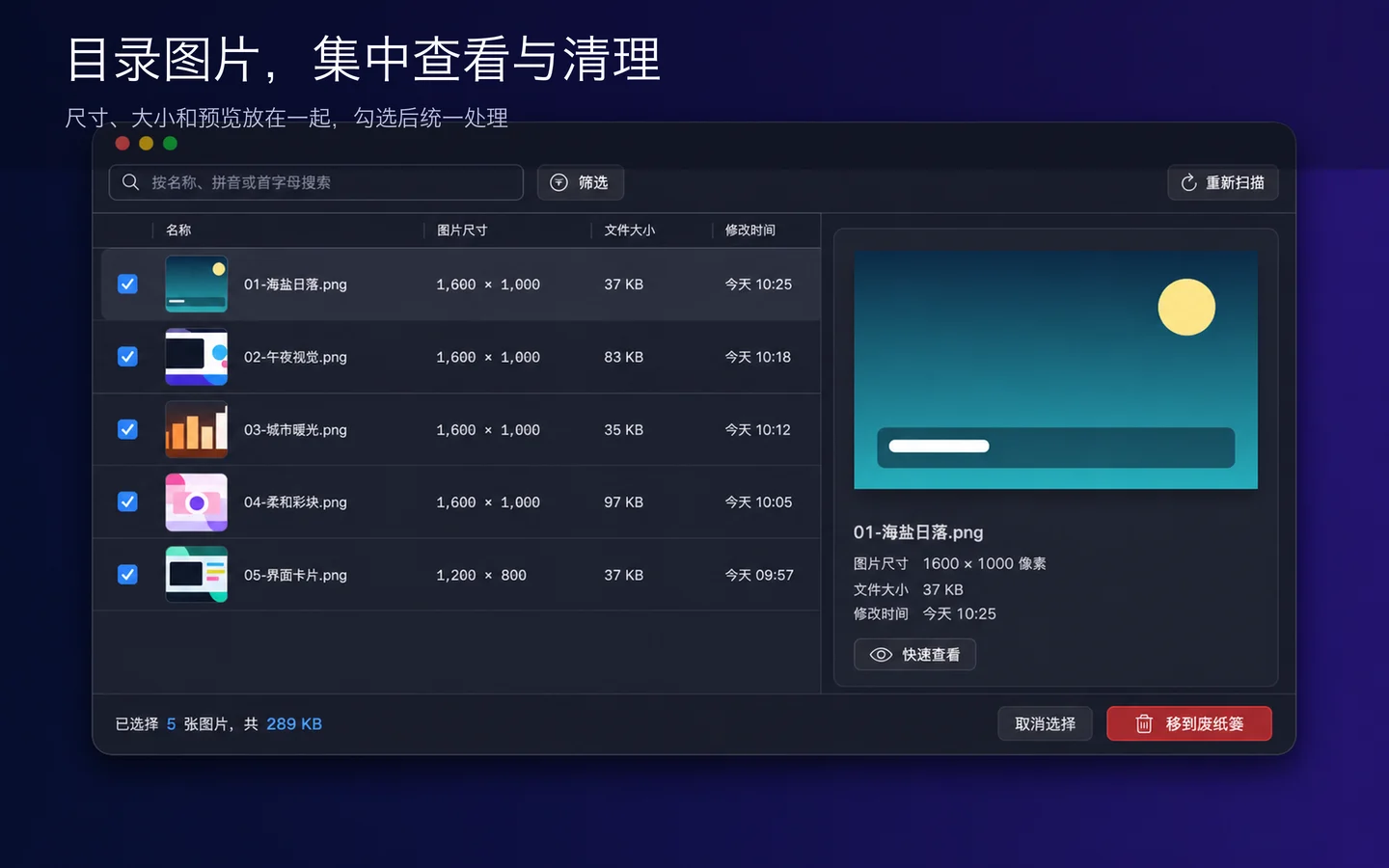
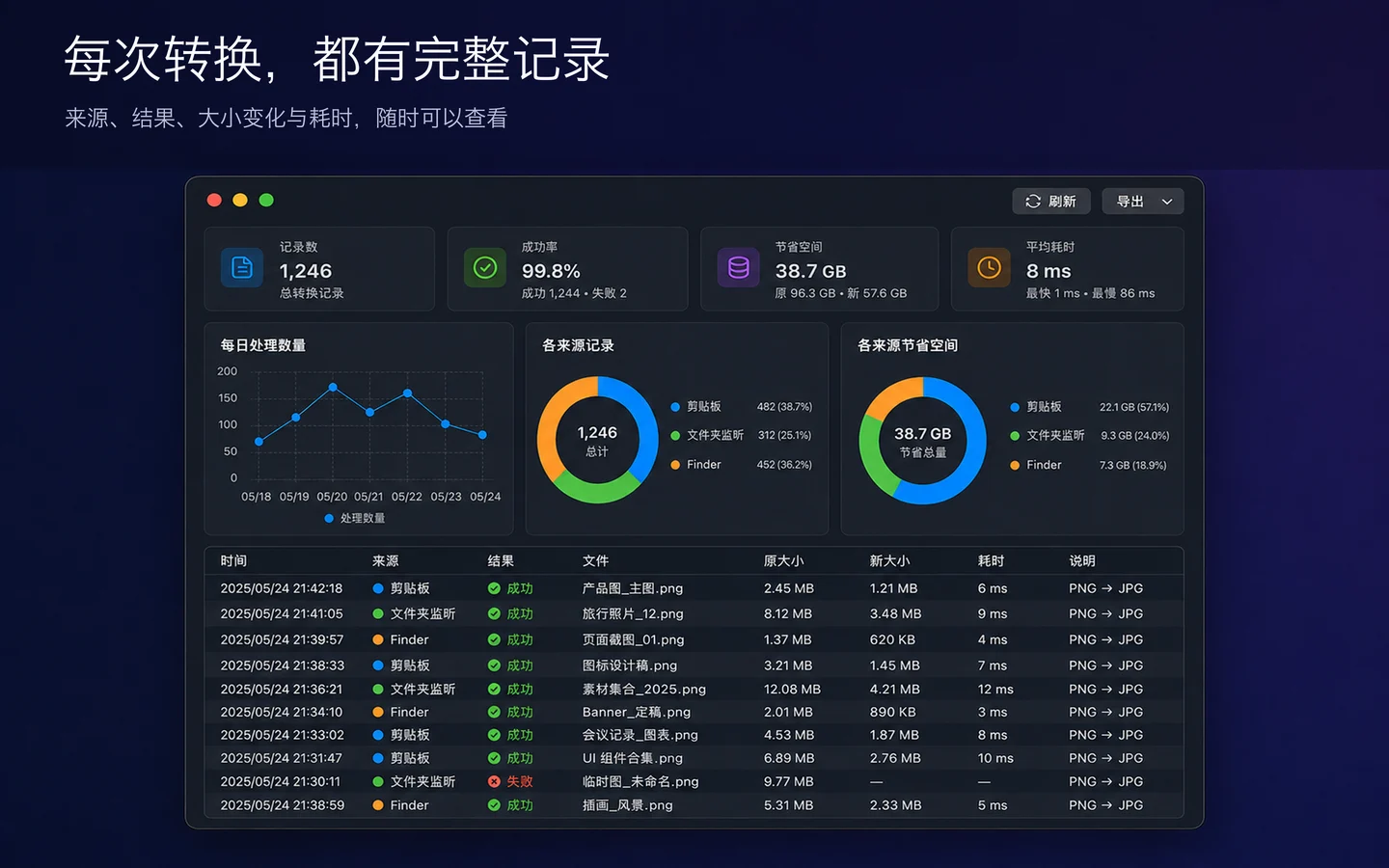
Finder Image Tools and Automatic ConversionConvert PNG to JPG in Finder and automate large PNGs from your clipboard or a folder. Browse with Previous and Next, then find images to clean up by name, file size, and modified date.
한눈에 보기
- 플랫폼
- macOS
- 카테고리
- Utilities
- 버전
- 1.0.3
- 업데이트
- 2026-09-16
- 다운로드
- Mac App Store ↗
- 개인정보 처리방침
- 개인정보 처리방침
PicCaddy Support
Need help with conversion, folder access, the context menu, or another issue? Email the developer for support or to suggest a feature.
Include your app version, macOS version, steps to reproduce, and any error message. Screenshots with personal information removed can help. Do not send passwords or private original images.
Why am I asked to select a folder?
The app uses the macOS sandbox. When a context-menu action first needs access to a folder, select that folder in the system dialog shown by the main app. Permission is saved locally. Cancelling leaves files untouched; select the folder again if it moves or permission expires.
What if the context menu is missing or conversion fails?
Open the main app and check that the PicCaddy extension is enabled in System Settings. For conversion, select PNG files and check folder write access and available disk space. If the issue persists, email the error message to the support address above.
스크린샷
주요 기능
글 기능, 비교, 자주 묻는 질문
아직 등록된 글이 없습니다.