
 HeFeng Wallpaper.app
Mac App Store
HeFeng Wallpaper
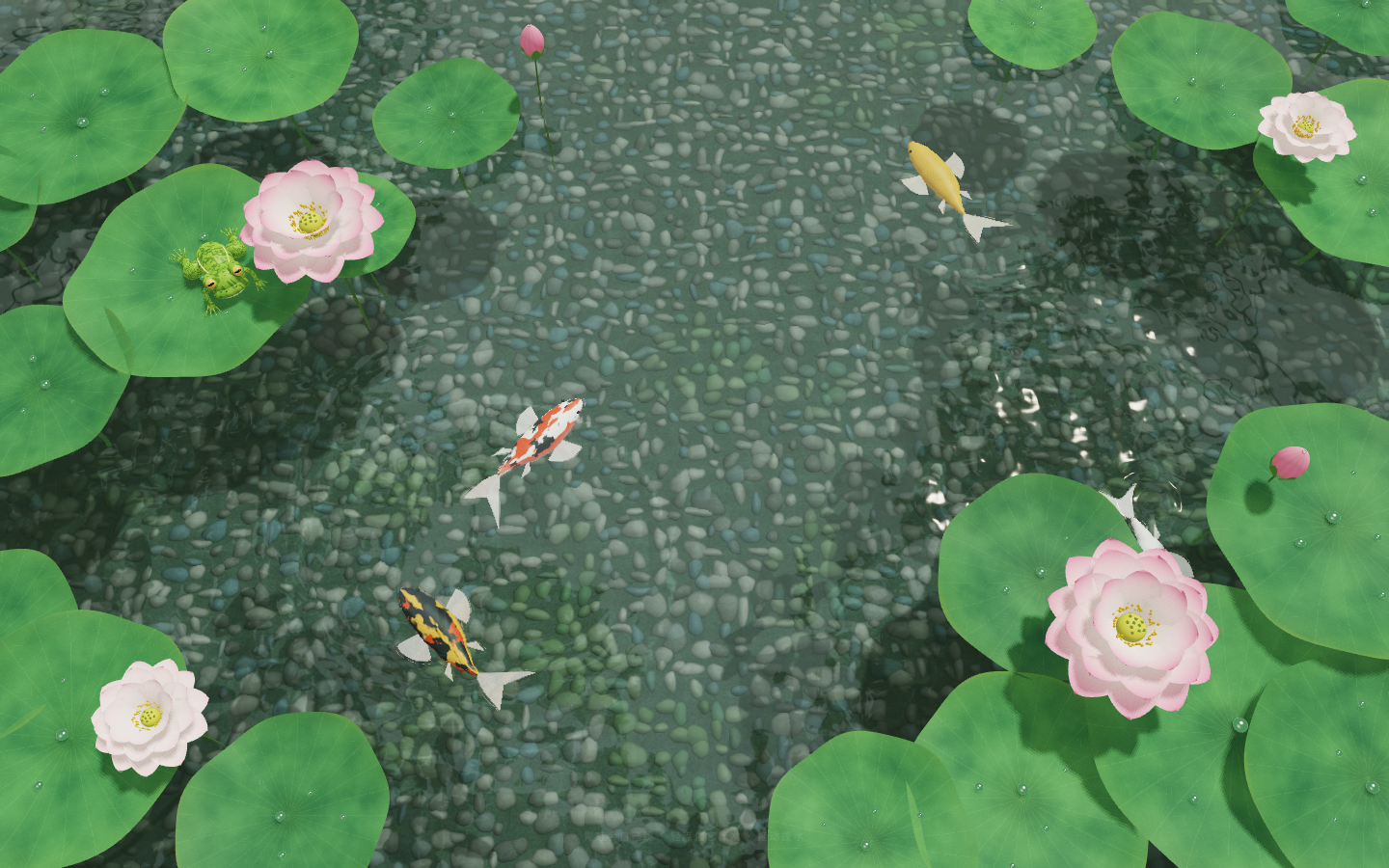
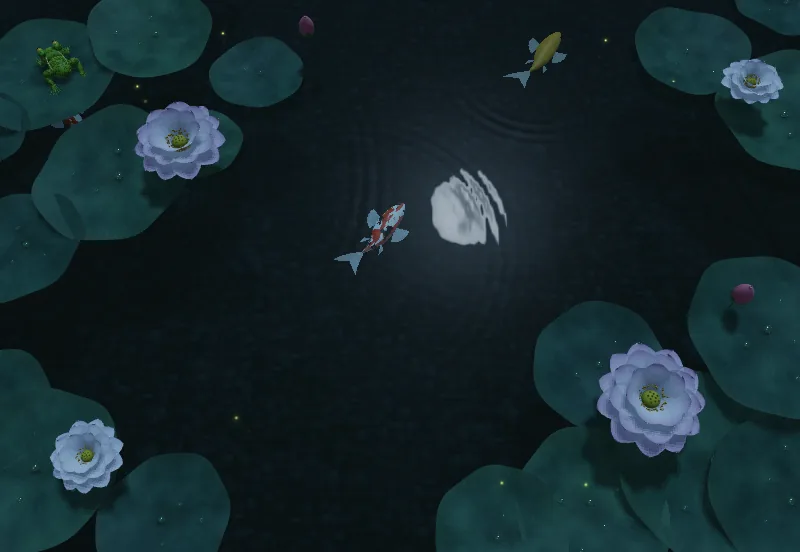
Lotus ponds, fish, blossoms and stars on your MacWatch koi swim, moonlight ripple, cherry blossoms fall or nebulae drift on your Mac desktop. HeFeng Wallpaper includes 8 animated scenes with adjustable visuals and playback. Interaction leaves desktop icons and right-click menus usable. Built-in scenes run offline; additional scenes can be downloaded.
At a glance
- Platform
- macOS
- Category
- Entertainment
- Version
- 1.2
- Updated
- 2026-10-03
- Download
- Mac App Store ↗
- Privacy Policy
- Privacy Policy
Screenshots
Key Features
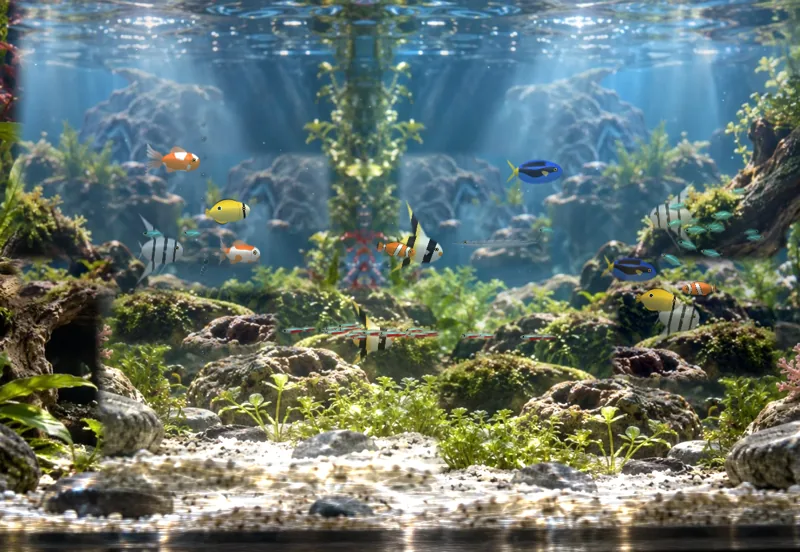
8 built-in scenes: Lotus Pond, Moonlit Lotus, Flowing Moonlight, Pebble Creek, Aquarium, Sakura, Rainy Window and Nebula
Choose a scene and click Start Wallpaper; switch scenes while running and retain separate settings for each
Use Interaction Mode for ripples, feeding and scene responses while keeping desktop icons, selection and right-click menus usable
Adjust koi, frogs and lighting in pond scenes or set fish counts by species in Aquarium; controls vary by scene
Choose 30 or 60 fps and Automatic, High, Balanced or Energy Saving rendering quality; battery and Low Power Mode cap playback at 30 fps
Rendering pauses during sleep, inactive login sessions or when other windows almost completely cover the desktop; manual pause is also available
Multiple displays and optional launch at login; stopping or quitting reveals your original wallpaper
macOS 13 or later, no account required; built-in scenes work offline and automatic scene updates can be disabled
Articles features, comparisons and common questions
Mac aquarium wallpaper: add fish, change the light, and interactInteractive wallpaper for Mac: feed koi, stir water, and click the fishMacBook live wallpaper: frame rate, quality, and automatic pause settingsStart Mac live wallpaper at login: close, pause, stop, or quitSet Up Animated Wallpaper on Mac with HeFeng